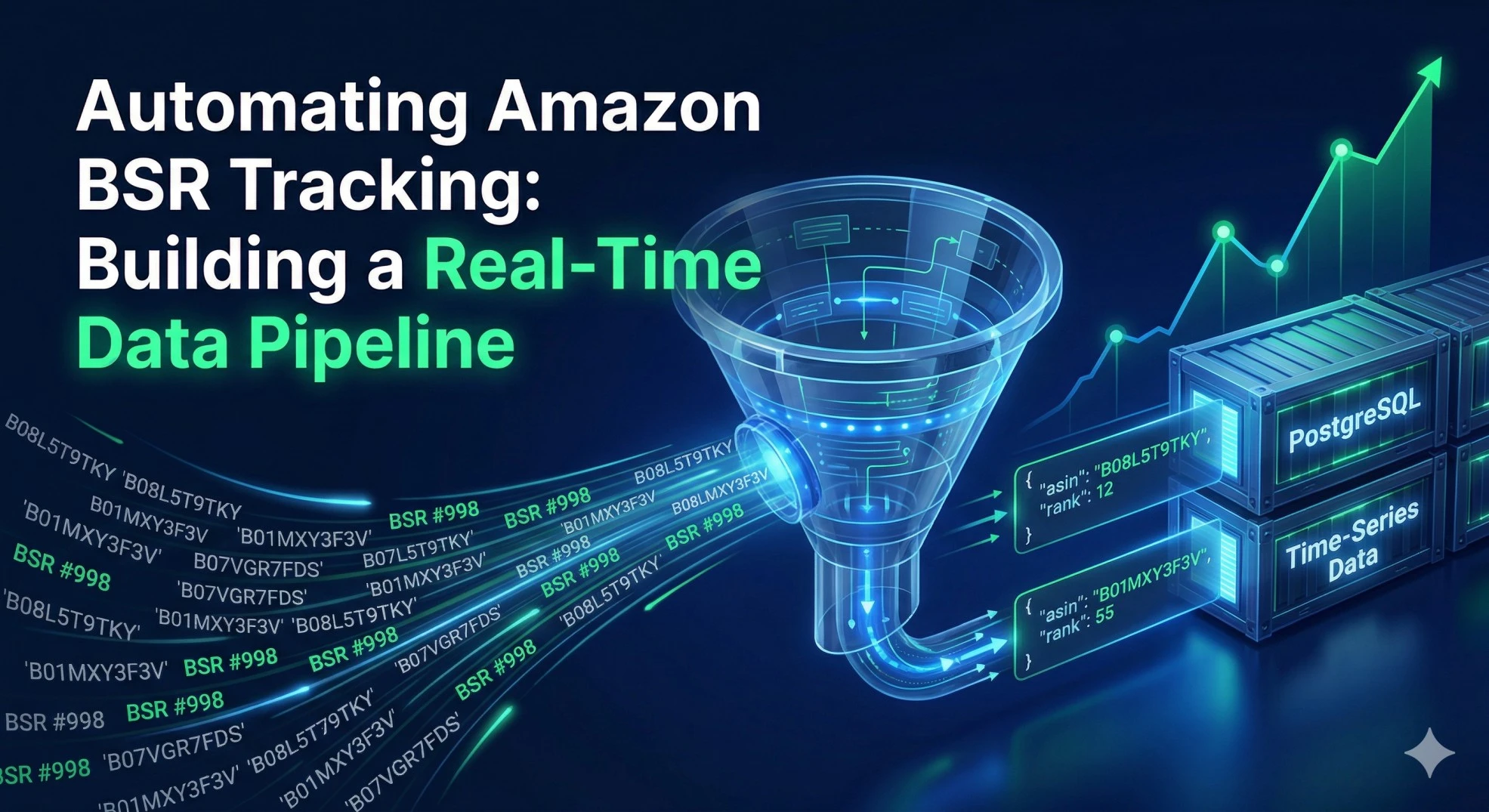
Let’s be brutally honest: succeeding on Amazon today has absolutely nothing to do with intuition and everything to do with data velocity. The days of simply guessing what products might trend, launching them, and hoping for the best are long gone. Today, the most successful Amazon sellers, market research firms, and e-commerce software platforms are driven by automated, programmatic data pipelines. They don't react to trends; they predict them by monitoring micro-shifts in Amazon’s category ecosystems.
The Holy Grail of this market intelligence is the Amazon Best Sellers Rank (BSR) and category ranking data. Tracking how a product moves up or down the rankings in real-time provides an exact proxy for its sales velocity.
However, there is a massive roadblock. Attempting to build an in-house web scraper to track Amazon rankings is a logistical nightmare. Amazon’s front-end HTML structure is incredibly volatile, changing frequently to thwart unauthorized data extraction. Furthermore, tracking thousands of products requires an army of rotating residential proxies, headless browsers, and constant maintenance to bypass sophisticated CAPTCHAs. You end up spending 90% of your engineering time maintaining the scraper, and only 10% actually analyzing the data.
This is where transitioning to a structured API becomes non-negotiable for serious developers. In this comprehensive guide, I am going to walk you through building a resilient, automated backend service that tracks Amazon bestsellers, uncovers emerging trends, and maps out entire category ecosystems using SteadyAPI. We will completely bypass the front-end DOM and pull clean, structured JSON data that is ready for immediate database ingestion.
Here is the plan for our data pipeline:
-
Map the Ecosystem: Programmatically retrieve Amazon’s category taxonomy and Node IDs.
-
Track the Kings of the Hill: Monitor the Best Sellers in specific niches to understand market saturation.
-
Spot Emerging Trends: Use the "Movers & Shakers" and "New Releases" endpoints to find high-velocity products before they peak.
-
Deep Dive Category Extraction: Pull comprehensive lists of products within a specific category to analyze the competitive landscape.
Let’s get into the code and architecture.
Obtain Your API Key
Before we can write a single line of code, you need to establish your credentials.
Get your SteadyAPI access key here.
1. The Setup: Authentication
Every request made to the API must be authenticated. Instead of dealing with complex OAuth flows, SteadyAPI uses a straightforward Bearer token implementation. You simply pass your key in the HTTP headers of your request.
Documentation Reference:
SteadyAPI Docs: Authenticating Requests
import requests
import json

# Define your global headers for the session
headers = {
  'Authorization': 'Bearer {YOUR_AUTH_KEY}',
  'Content-Type': 'application/json'
}
2. Strategy 1: Mapping the Ecosystem (Categories)
One of the biggest mistakes developers make when building Amazon research tools is relying on broad keyword searches. To truly understand a market, you must analyze it at the category level.
Amazon organizes its products using a massive hierarchical system driven by "Node IDs". For example, "Electronics" is a top-level node, but "Wireless Earbuds" is a highly specific sub-node nested deep within the tree. To track rankings accurately, you first need to identify the exact Node ID for your target niche.
We will use the Categories endpoint to traverse this hierarchy.
Endpoint:
GET /v1/amazon/categories
Documentation Reference:
SteadyAPI Docs: Amazon Categories
The Code:
url = 'https://api.steadyapi.com/v1/amazon/categories'

# Let's search for categories related to 'fitness' in the US market
params = {
  'country': 'US'
}

try:
    response = requests.get(url, headers=headers, params=params)
    response.raise_for_status() # Check for HTTP errors
    categories_data = response.json().get('body', [])

    print("Found Top-Level Categories:")
    for category in categories_data[:5]:
        print(f"Name: {category.get('name')}")
        print(f"Category ID (Node): {category.get('id')}")
        print("-" * 40)

except requests.exceptions.RequestException as e:
    print(f"API Request failed: {e}")
Why This Matters:
Once you have the id (Node ID), you can use it in subsequent API calls to lock your research strictly into that category, ignoring irrelevant products that share similar keywords.
3. Strategy 2: Tracking the Kings of the Hill (Best Sellers)
Now that we understand the category structure, let's track the products that are dominating it. The Best Sellers endpoint returns the top 100 products in a specific category, ranked by their sales volume.
By polling this endpoint daily and storing the results in a time-series database (like PostgreSQL or InfluxDB), you can create powerful visualizations of how a product's rank fluctuates over time.
Endpoint:
GET /v1/amazon/rankings/best-sellers
Documentation Reference:
SteadyAPI Docs: Amazon Best Sellers
The Code:
url = 'https://api.steadyapi.com/v1/amazon/rankings/best-sellers'

# Assuming we found the category ID for 'Pet Supplies' is '2619533011'
params = {
  'category': 'pet-supplies', # Can use text slugs or category IDs
  'country': 'US'
}

response = requests.get(url, headers=headers, params=params)
best_sellers = response.json().get('body', [])

print("Top 5 Best Sellers in Pet Supplies:\n")
for item in best_sellers[:5]:
    rank = item.get('rank')
    asin = item.get('asin')
    title = item.get('title')
    price = item.get('price')
    reviews = item.get('rating_count')

    print(f"#{rank} | ASIN: {asin}")
    print(f"Product: {title[:75]}...") # Truncate long titles
    print(f"Price: {price} | Reviews: {reviews}")
    print("=" * 50)
Data Pipeline Pro-Tip:
The rank integer is your most valuable metric here. If you track an ASIN moving from rank #85 to rank #12 over a 7-day period, you have programmatically identified a massive surge in consumer demand.
4. Strategy 3: Spotting Emerging Trends (Movers & Shakers)
Best Sellers are great, but they often represent highly saturated markets dominated by massive brands with unlimited ad budgets. If you are looking for early investment opportunities, affiliate marketing angles, or new product launch ideas, you need to look at velocity, not just volume.
Amazon's "Movers & Shakers" list represents products that have experienced the highest percentage gain in sales rank over the past 24 hours. These are the viral products, the seasonal hits, and the emerging trends.
Endpoint:
GET /v1/amazon/rankings/movers-shakers
Documentation Reference:
SteadyAPI Docs: Amazon Movers & Shakers
The Code:
url = 'https://api.steadyapi.com/v1/amazon/rankings/movers-shakers'

params = {
  'category': 'electronics',
  'country': 'US'
}

response = requests.get(url, headers=headers, params=params)
movers = response.json().get('body', [])

print("Biggest 24-Hour Movers in Electronics:\n")
for product in movers[:5]:
    current_rank = product.get('rank')
    # Movers data often includes the rank movement context
    title = product.get('title')
    price = product.get('price')

    print(f"Current Rank: #{current_rank}")
    print(f"Product: {title[:60]}...")
    print(f"Current Price: {price}")
    print("*" * 40)
Business Application:
Combine this endpoint with the /v1/amazon/rankings/new-releases endpoint. If a product appears on both the New Releases list AND the Movers & Shakers list within its first week, it is a highly validated market signal. You can automate email or Slack alerts to notify your team the moment this crossover event occurs.
5. Strategy 4: Deep Category Extraction
Sometimes you need to pull data on the 500th best-selling item, not just the top 100. To perform deep market saturation analysis, you need to extract massive lists of products mapped to a specific category, complete with their individual pricing, ratings, and prime eligibility status.
We use the Products By Category endpoint for this broad extraction.
Endpoint:
GET /v1/amazon/products/by-category
Documentation Reference:
SteadyAPI Docs: Products By Category
The Code:
url = 'https://api.steadyapi.com/v1/amazon/products/by-category'

params = {
  'category_id': '172282', # Example specific Node ID
  'country': 'US',
  'page': 1 # Utilize pagination for deep extraction
}

response = requests.get(url, headers=headers, params=params)
category_products = response.json().get('body', [])

total_reviews = 0
valid_products = 0

for item in category_products:
    if item.get('rating_count'):
        total_reviews += int(str(item.get('rating_count')).replace(',',''))
        valid_products += 1

if valid_products > 0:
    average_reviews = total_reviews / valid_products
    print(f"Average reviews for Page 1 of this category: {average_reviews:.2f}")
    print("If the average is extremely high, this niche may be too saturated to enter.")
Putting It All Together: The Analytics Architecture
To truly leverage this API, you shouldn't just run these scripts manually. You need to build a cron job or an automated serverless function (using AWS Lambda or Google Cloud Functions) that executes this workflow daily:
-
Midnight UTC: Your script triggers and calls the
/categoriesendpoint to ensure no structural Node ID changes have occurred. -
00:05 UTC: The script loops through an array of your target categories, pinging
/rankings/best-sellersand/rankings/movers-shakers. -
00:15 UTC: The JSON responses are parsed, and the exact
rank,price, andrating_countfor thousands of ASINs are inserted into a PostgreSQL database with a strict timestamp. -
01:00 UTC: Your frontend dashboard (built with React or Vue) queries your database, rendering beautiful line charts showing exactly how competitor products are performing over a 30, 60, or 90-day window.
By automating this, you generate an incredibly valuable, proprietary dataset that your competitors, who are still trying to manually browse Amazon, simply do not possess.
Final Thoughts
Stop relying on unpredictable web scraping scripts and headless browsers to monitor the world's largest e-commerce platform. By utilizing SteadyAPI's dedicated ranking and category endpoints, you can transform a fragile, maintenance-heavy engineering nightmare into a few clean, structured, and highly reliable API calls.
This approach allows your engineering team to focus on what actually drives revenue: building the algorithms, dashboards, and AI models that analyze the data, rather than wasting hours trying to figure out how to bypass yesterday's security update.
Explore the complete technical documentation and additional endpoints here:
SteadyAPI Amazon Endpoints Home