How to Search Hotels Using SteadyAPI
Learn how to find hotels by destination using SteadyAPI. Resolve a place name to coordinates, then pull property names, ratings, and prices with the Booking.com hotel search endpoints.
READ MORECapabilities
For jobs where you would otherwise run your own fetch. Send a URL. Get HTML, or the fields you named.
Requests go out through a pool of proxies, so the volume does not sit on one address.
When a page draws its content in the browser, ask for a JavaScript render. The HTML you receive is the page after that render.
Some sites answer with a block. You get that status back, and you can retry the URL or skip it.
You can ask for the page as it looks from a given country. That matters for prices that change by region.
Pass selectors and the response can be the values you wanted, instead of an HTML document you still have to pick through.
A user agent, a cookie, or another header can ride along when the page will not answer a bare request.
Shortened examples
The body is the page. meta.status is the status the target site returned. When extract is set, the named fields come back beside the body. A refusal is success false, not a page.
{
    "meta": {
        "status": 200
    },
    "body": "<h1>Example</h1><p>Price: $99</p>"
}{
"meta": {
"status": 200
},
"extracted": {
"heading": [
"Example"
],
"price": [
"Price: $99"
]
}
}{
"success": false,
"message": "No data returned. The page could not be loaded; try again or raise the timeout."
}{
"meta": {
"status": 200
},
"body": {
"message": "Welcome to SteadyAPI! Please refer to our API documentation to learn how to interact with our API: https://docs.steadyapi.com"
}
}{
"meta": {
"status": 200
},
"body": "Example\n\nPrice: $99"
}The ScrapeFlow docs show a URL in and the page, or the fields you named, coming back.
A sample for each endpoint, in Shell, JavaScript, PHP, and Python.
 Shell
Shell JavaScript
 PHP
PHP Python
Pricing
Plans cover the whole SteadyAPI catalog, not only this API. The monthly allowance is on the table. For a larger volume, email [email protected].
Starter $14.99 per month | Developer $39.99 per month | Business Popular $89.99 per month | Enterprise $299.99 per month | |
|---|---|---|---|---|
| Subscribe | Subscribe | Subscribe | Subscribe | |
| Requests per month | 10,000 | 50,000 | 250,000 | 2,500,000 |
| Stock Market API | ||||
| Options Data API | ||||
| Crypto Data API | ||||
| AliExpress API | ||||
| Reddit API | ||||
| Booking.com API | ||||
| Real Estate API | ||||
| Baseball (MLB) API | ||||
| Hockey API | ||||
| Football API | ||||
| Amazon API | ||||
| eBay API | ||||
| Walmart API | ||||
| Instagram API | ||||
| Twitter / X API | ||||
| TikTok API | ||||
| YouTube API | ||||
| AutoHub API | ||||
| ScrapeFlow | ||||
| Commercial Use | ||||
| Optional overage rate* | $1.50 per 1,000 requests | $1.05 per 1,000 requests | $0.50 per 1,000 requests | $0.09 per 1,000 requests |
| Overage cap | up to 50,000 extra | up to 250,000 extra | up to 1,250,000 extra | up to 12,500,000 extra |
Starter $11.96 per month$143.52 billed yearly | Developer $32.50 per month$389.99 billed yearly | Business Popular $72.50 per month$869.99 billed yearly | Enterprise $320.83 per month$3,849.99 billed yearly | |
|---|---|---|---|---|
| Subscribe | Subscribe | Subscribe | Subscribe | |
| Requests per month | 10,000 | 50,000 | 250,000 | 2,500,000 |
| Stock Market API | ||||
| Options Data API | ||||
| Crypto Data API | ||||
| AliExpress API | ||||
| Reddit API | ||||
| Booking.com API | ||||
| Real Estate API | ||||
| Baseball (MLB) API | ||||
| Hockey API | ||||
| Football API | ||||
| Amazon API | ||||
| eBay API | ||||
| Walmart API | ||||
| Instagram API | ||||
| Twitter / X API | ||||
| TikTok API | ||||
| YouTube API | ||||
| AutoHub API | ||||
| ScrapeFlow | ||||
| Commercial Use | ||||
| Optional overage rate* | $1.50 per 1,000 requests | $1.05 per 1,000 requests | $0.50 per 1,000 requests | $0.09 per 1,000 requests |
| Overage cap | up to 50,000 extra | up to 250,000 extra | up to 1,250,000 extra | up to 12,500,000 extra |
* Overage stays off until you turn it on in Billing. Usage is counted in monthly periods that start on your billing day, yearly plans included. Requests past the included limit are billed after the period ends, up to the cap. If you switch plans during a period, the limit and overage rate of the plan you are on when that period ends apply to the whole period.
Commercial use lets you use the APIs in your own products, services, and internal tools. Redistributing our data in raw form is not included.
Why SteadyAPI
The request is a URL and a few options. The response is the page, or the fields you named.
Also on the blog
These posts come from across SteadyAPI, so the one at the top may be about a different API. The reference for this page is the documentation above.

Learn how to find hotels by destination using SteadyAPI. Resolve a place name to coordinates, then pull property names, ratings, and prices with the Booking.com hotel search endpoints.
READ MORE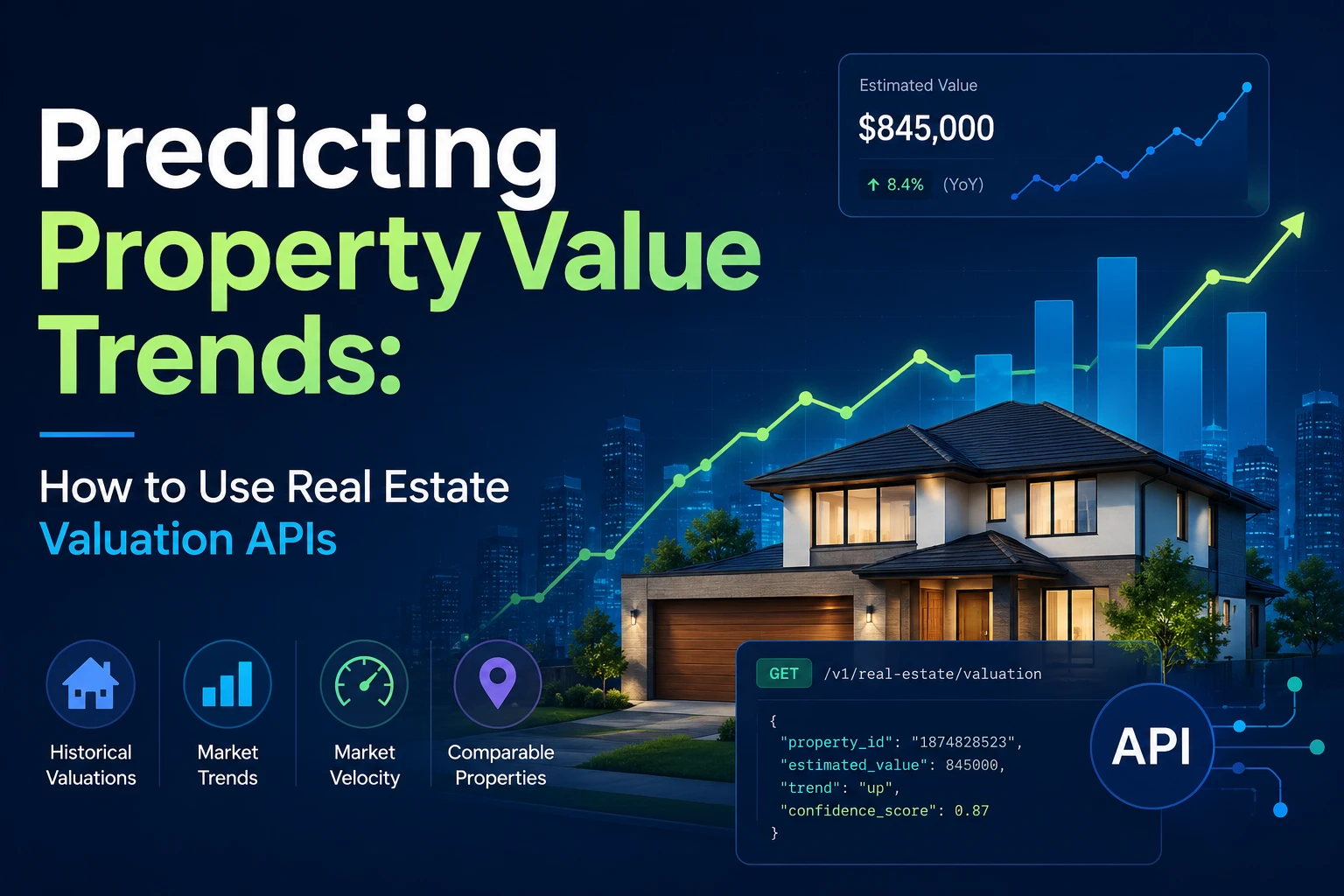
Learn how to build a predictive real estate valuation pipeline using SteadyAPI. This guide shows developers how to combine historical property values, multi-provider forecasts, neighborhood market trends, housing market indicators, and comparable sales data to power automated valuation models (AVMs), investment analytics, and property intelligence platforms with structured real-time API data.
READ MORE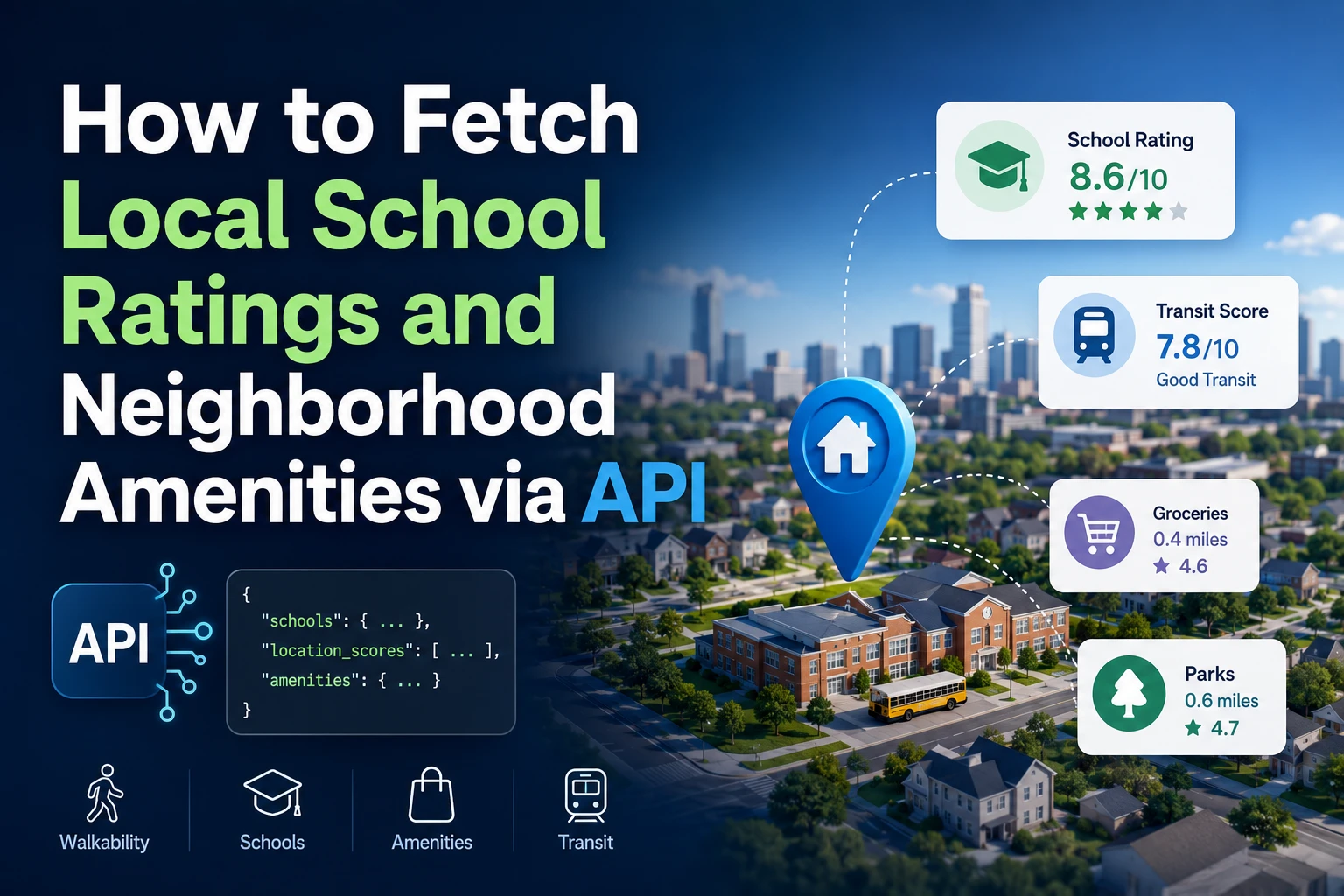
Neighborhood insights are just as important as the property itself. This guide shows developers how to use the SteadyAPI Neighborhood Amenities API to fetch school ratings, walkability and transit scores, and nearby amenities through a single endpoint. You'll learn how to authenticate requests, retrieve structured neighborhood data, filter schools and local businesses, and combine these metrics into a custom neighborhood quality score. Whether you're building a real estate marketplace, property valuation model, or location intelligence dashboard, this tutorial helps you enrich listings with valuable contextual data while reducing the complexity of managing multiple third-party integrations.
READ MORE
This guide walks developers through building a modern real estate data pipeline with SteadyAPI. You'll learn how to search MLS property listings, retrieve tax and transaction histories, analyze local housing market trends, and enrich property data with neighborhood and environmental insights. Instead of maintaining fragile web scrapers or navigating complex MLS integrations, SteadyAPI provides structured JSON APIs that simplify property data ingestion and help you build faster, more reliable real estate applications. Whether you're creating an investment platform, property valuation engine, market research tool, or analytics dashboard, this tutorial covers the essential endpoints and architecture needed to get started.
READ MORE