In the modern e-commerce landscape, your product’s features and pricing are only half the battle. The other half—often the deciding factor for consumers—is social proof. A shift from a 4.6 to a 4.2-star average can instantly decimate your conversion rates. Furthermore, within those written reviews lies a goldmine of qualitative data: feature requests, common manufacturing defects, and exact marketing copy written in the customer's own voice.
Whether you are an established brand protecting your reputation, a product manager looking for iteration ideas, or an agency tracking competitor weaknesses, you need real-time access to Amazon review data.
The problem? Scraping Amazon reviews is notoriously difficult. Pagination structures change, text is hidden behind "Read More" toggles, and Amazon’s anti-bot infrastructure will quickly IP-ban traditional web scrapers.
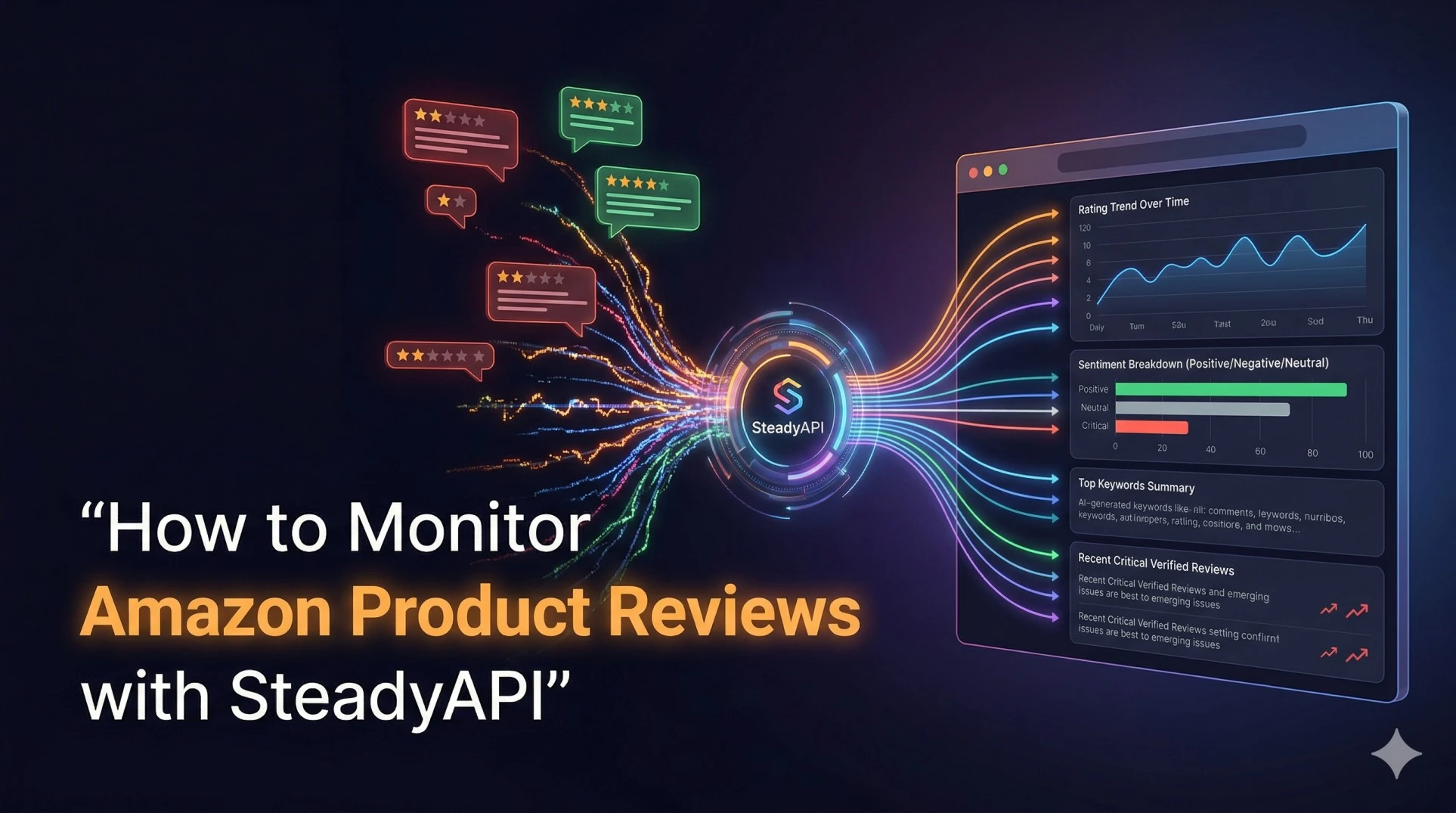
In this comprehensive guide, I am going to walk you through building a resilient, automated backend service that extracts, structures, and analyzes Amazon product reviews and ratings using SteadyAPI. We will move away from fragile HTML parsing and focus on clean JSON data streams.
Here is the architectural plan for our monitoring pipeline:
-
Extract high-level aggregate ratings and AI summaries for quick dashboarding.
-
Pull deep, granular review streams to capture raw customer feedback.
-
Filter and validate reviews to ensure data integrity (focusing on Verified Purchases).
-
Build a conceptual automated alert system for negative feedback.
-
Deploy a competitor analysis loop to uncover market opportunities.
Let’s get into the code.
Obtain API Key
Before making any requests to the endpoints, you will need active credentials.
Get your API key from the SteadyAPI Dashboard
1. The Setup: Authentication and Headers
Every request made to SteadyAPI requires authentication. We will use a standard Bearer token approach. Ensure you keep this token secure in your environment variables, never hardcoded in production.
Documentation Reference:
SteadyAPI Docs: Authenticating Requests
import requests
import os
import json

# Fetching the API key from environment variables for security
API_KEY = os.getenv('STEADY_API_KEY', 'YOUR_DEFAULT_TEST_KEY')

headers = {
  'Authorization': f'Bearer {API_KEY}',
  'Content-Type': 'application/json'
}
2. Strategy 1: The Pulse Check (Aggregate Data & AI Summaries)
If you are monitoring dozens or hundreds of SKUs, you do not always need to read every single review immediately. Often, you just need a "Pulse Check." Has the overall rating dropped? How many new reviews came in this week?
For this, we actually use the Product Details endpoint. Amazon now provides an AI-generated summary of customer sentiment (often labeled "Customers say" on the frontend). This is an incredibly powerful data point that SteadyAPI extracts for you natively.
Endpoint:
GET /v1/amazon/products/details
The Code:
def check_product_pulse(asin, country='US'):
    url = 'https://api.steadyapi.com/v1/amazon/products/details'
    params = {
      'asin': asin,
      'country': country
    }

    try:
        response = requests.get(url, headers=headers, params=params)
        response.raise_for_status() # Check for HTTP errors
        data = response.json().get('body', {})

        rating = data.get('rating')
        review_count = data.get('rating_count')
        sentiment_summary = data.get('customers_say')

        print(f"--- Pulse Check for {asin} ---")
        print(f"Current Rating: {rating} out of 5 stars")
        print(f"Total Global Ratings: {review_count:,}")
        print(f"\nAI Sentiment Summary:\n{sentiment_summary}")
        print("-" * 30)

    except requests.exceptions.RequestException as e:
        print(f"Error fetching data for {asin}: {e}")

# Example Usage
check_product_pulse('B0BNC23L6C')
Why This Matters:
By polling this endpoint daily, you can chart the rating over time. More importantly, the customers_say field gives you immediate qualitative analysis without needing to run your own complex Natural Language Processing (NLP) models.
3. Strategy 2: The Deep Dive (Extracting Granular Review Streams)
When the "Pulse Check" reveals a drop in ratings, or when you are conducting deep market research, you need the raw data. You need to read exactly what the customers are typing.
We will use the dedicated Reviews endpoint. This endpoint allows you to sort by the most recent reviews, ensuring you catch breaking issues (like a bad manufacturing batch) immediately.
Endpoint:
GET /v1/amazon/products/reviews
Documentation Reference:
SteadyAPI Docs: Amazon Product Reviews
The Code:
def fetch_recent_reviews(asin, country='US', limit=10):
    url = 'https://api.steadyapi.com/v1/amazon/products/reviews'
    params = {
      'asin': asin,
      'country': country,
      'sort_by': 'recent'  # 'recent' is crucial for real-time monitoring
    }

    response = requests.get(url, headers=headers, params=params)
    reviews_data = response.json().get('body', [])

    parsed_reviews = []

    for review in reviews_data[:limit]:
        # Extracting the core data points
        rating = review.get('rating')
        title = review.get('review_title')
        body = review.get('review_text')
        is_verified = review.get('is_verified')
        date = review.get('review_date')

        # Filtering out empty or irrelevant data structures
        if rating and body:
            parsed_reviews.append({
                'rating': rating,
                'title': title,
                'body': body,
                'is_verified': is_verified,
                'date': date
            })

    return parsed_reviews

# Execute and display
recent_feedback = fetch_recent_reviews('B0BNC23L6C')
for fb in recent_feedback:
    verified_tag = "[VERIFIED]" if fb['is_verified'] else "[UNVERIFIED]"
    print(f"{fb['rating']}/5 Stars {verified_tag} - {fb['title']}")
    print(f"Reviewed on: {fb['date']}")
    print(f"{fb['body'][:150]}...\n")
Key Fields to Parse and Utilize:
-
rating: The integer or float representing the star rating. Essential for filtering out 5-star praise when you are hunting for critical feedback. -
review_text: The raw string of the customer's comment. This is the dataset you will feed into your own sentiment analysis or keyword-extraction algorithms. -
is_verified: Crucial. Amazon has a well-documented issue with fake reviews. By hard-filtering your dataset to only includeis_verified == True, you ensure your product iteration decisions are based on actual paying customers, not bot farms.
4. Strategy 3: Building an Automated Alert System
Data is only valuable if it is actionable. Sitting and manually running a script every day defeats the purpose of an API. Let's take the review data we just extracted and build a conceptual automated alert system.
Imagine you are a Brand Manager. You want to be notified in your Slack channel the moment a verified 1-star or 2-star review is posted so your customer service team can perform damage control.
The Workflow Logic:
-
Run a cron job every 6 hours.
-
Fetch the most recent reviews using the function we built above.
-
Filter for
rating <= 2ANDis_verified == True. -
Push a webhook to Slack or Microsoft Teams.
The Code (Alerting Logic):
def process_alerts_for_sku(asin):
    # Fetch the latest 20 reviews
    latest_reviews = fetch_recent_reviews(asin, limit=20)

    critical_alerts = []

    for review in latest_reviews:
        if review['rating'] <= 2 and review['is_verified']:
            # In a real system, you would check a database here to ensure
            # you haven't already alerted on this specific review ID.

            alert_message = (
                f"🚨 *CRITICAL REVIEW ALERT* 🚨\n"
                f"*ASIN:* {asin}\n"
                f"*Rating:* {"⭐" * int(review['rating'])}\n"
                f"*Title:* {review['title']}\n"
                f"*Feedback:* {review['body']}"
            )
            critical_alerts.append(alert_message)

    # Dispatch alerts (Conceptual Webhook)
    for alert in critical_alerts:
        print("Dispatching to Slack...")
        print(alert)
        # requests.post(SLACK_WEBHOOK_URL, json={"text": alert})

# Run the alert system
process_alerts_for_sku('B0BNC23L6C')
This turns SteadyAPI from a simple data retrieval tool into an active, automated guardian of your brand's reputation.
5. Strategy 4: Competitor Weakness Discovery
Monitoring your own products is defensive. Let's use the API offensively.
If you are developing a new product, say, a "travel coffee mug," you should pull the ASINs of the top 5 competitors in that category. By passing their ASINs through the /v1/amazon/products/reviews endpoint and specifically filtering for 2-star and 3-star reviews, you can discover exactly what the market dislikes about the current offerings.
-
Do the lids leak?
-
Does the paint chip after washing?
-
Does it not keep coffee hot long enough?
By aggregating competitor review text and running a simple Python keyword counter (counting occurrences of words like "leak", "broken", "cheap"), you generate a roadmap of features your product must get right to disrupt the market.
Putting It All Together: The Ultimate Analytics Architecture
To build a scalable application, your architecture should look like this:
-
The Scheduler: A tool like Celery, AWS EventBridge, or a simple Linux Cron job triggers your Python scripts at regular intervals.
-
The Fetcher: Your script calls the SteadyAPI
/amazon/products/detailsendpoint for daily aggregate ratings, and/amazon/products/reviewshourly for real-time comment streams. -
The Database: You store these JSON responses in a structured database (like PostgreSQL) or a document store (like MongoDB).
-
The Engine: A secondary process reads the database, triggers webhooks for negative reviews, and generates weekly PDF reports detailing sentiment trends.
Final Thoughts
Transitioning from manual browser-based tracking to an API-driven infrastructure fundamentally changes how you interact with e-commerce data. You move from being reactive to being proactive.
Instead of fighting constant scraper maintenance, CAPTCHA solving, and proxy rotation, SteadyAPI allows your engineering team to focus on what actually matters: analyzing customer sentiment, improving your products, and responding to market shifts instantly.
Stop wrestling with HTML. Start building intelligent e-commerce pipelines.
Ready to start building?