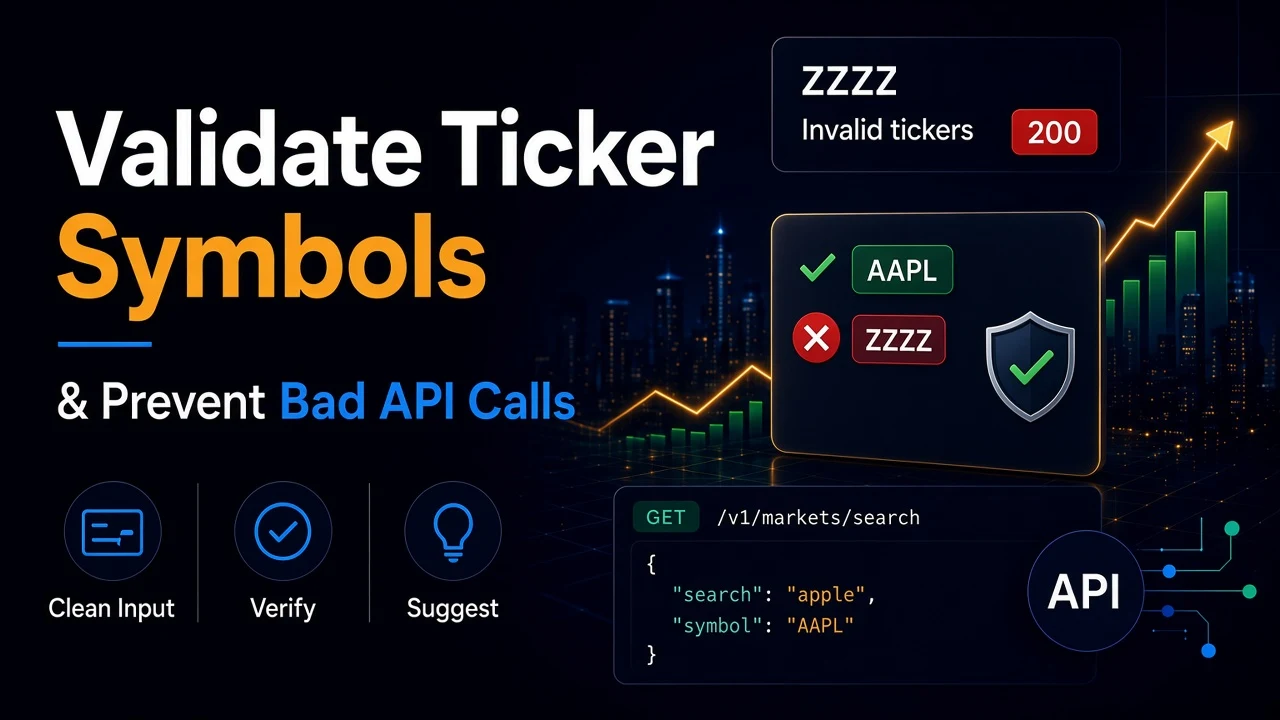
Every trading app has a text box where a user types a ticker. Sooner or later someone types APPL, pastes a whole watchlist with a stray semicolon, or sends an empty field. If your app passes that straight to the API, you get a confusing error at best, and a wasted request at worst.
This guide shows what SteadyAPI does with bad input, then builds a small validation layer in Python: clean the input for free, check what is left with one batched call, and suggest corrections for what fails.
Prerequisites
- A SteadyAPI API key from steadyapi.com. The Free plan covers every endpoint used here.
- Python 3.8+ with
requests.
What the API does with bad input
These behaviors come from sending the requests below to the Stock Market API. Your code has to tell them apart.
- A missing or malformed parameter returns HTTP 422. The body has an
errorsobject with one entry per field, for example{"interval": ["The selected interval is invalid."]}. Retrying will not help, and a 422 does not count toward your quota. - One unknown ticker to the quotes endpoint returns HTTP 200 with
{"success": false, "message": "Invalid tickers"}. It is a 200, so it counts as a request. - An unknown ticker inside a batch is silently dropped.
AAPL,ZZZZZ,MSFTreturns two quotes with HTTP 200. Nothing tells you one was missing, so you have to compare what you asked for with what came back. - History for an unknown symbol returns HTTP 200 with
"success": falseandNo data available, please check your params and try again. - Options for a symbol with no listed options return HTTP 200, an empty
body, andmeta.expirationsas an empty list. - A search with no match returns HTTP 200 and an empty
bodylist.
The endpoint is forgiving about format. Lowercase works, and so do spaces after commas. Real-world symbol styles all came back as valid quotes: BRK.B, BRK-B, ^VIX, BTC-USD and EURUSD=X.
The plan: four layers
1. Clean locally. Trim, uppercase, split on commas and spaces, remove duplicates, and check the shape of each symbol with a regular expression. This costs nothing. 2. Verify in one call. Send the survivors to the quotes endpoint, which takes up to 200 symbols. Anything missing from the response is unknown. 3. Suggest. For anything that failed, call the search endpoint and offer the closest equities and ETFs. 4. Classify errors. Raise one exception for "your input is wrong", and retry only rate limits and server errors.
The code
import re
import time

import requests

API_KEY = "YOUR_STEADYAPI_KEY"
BASE = "https://api.steadyapi.com"
HEADERS = {"Authorization": f"Bearer {API_KEY}"}
SYMBOL = re.compile(r"^\^?[A-Z0-9]{1,10}([.\-=][A-Z0-9]{1,10}){0,2}$")


class BadInput(Exception):
    """The request itself was wrong. Retrying will not help."""


def call(path, **params):
    for attempt in range(3):
        r = requests.get(f"{BASE}{path}", headers=HEADERS, params=params, timeout=30)
        if r.status_code == 422:  # validation error: a missing or malformed parameter
            raise BadInput(r.json().get("errors") or r.json().get("message"))
        if r.status_code == 429 or r.status_code >= 500:  # rate limit or server trouble
            time.sleep(2 ** attempt)
            continue
        r.raise_for_status()
        data = r.json()
        if data.get("success") is False:  # HTTP 200, but the lookup failed
            raise BadInput(data.get("message", "Request failed"))
        return data
    raise RuntimeError(f"{path} kept failing")


def clean(text):
    """'aapl, msft zzz;x' -> (['AAPL', 'MSFT'], ['ZZZ;X'])"""
    good, bad = [], []
    for token in re.split(r"[,\s]+", text.upper().strip()):
        if token and token not in good and token not in bad:
            (good if SYMBOL.match(token) else bad).append(token)
    return good, bad


def verify(symbols):
    """One quotes call per 200 symbols. Returns (quotes by symbol, unknown symbols)."""
    quotes, unknown = {}, []
    for i in range(0, len(symbols), 200):
        batch = symbols[i:i + 200]
        try:
            body = call("/v1/markets/stock/quotes", ticker=",".join(batch))["body"]
        except BadInput as err:
            if "Invalid tickers" not in str(err):
                raise
            body = []  # none of the batch exists
        found = {q["symbol"].upper(): q for q in body}
        quotes.update(found)
        unknown += [s for s in batch if s not in found]  # unknown symbols are silently dropped
    return quotes, unknown


def suggest(text):
    rows = call("/v1/markets/search", search=text[:255])["body"]
    return [(r["symbol"], r["shortname"], r["exchDisp"]) for r in rows if r["quoteType"] in ("EQUITY", "ETF")][:3]


def lookup(user_input):
    good, bad = clean(user_input)
    quotes, unknown = verify(good) if good else ({}, [])
    for s in bad + unknown:
        print(f"{s}: not found. Did you mean {suggest(s) or 'nothing close'}")
    return quotes


quotes = lookup("aapl, msft zzzzz AAPL;DROP apple")
print({s: q["regularMarketPrice"] for s, q in quotes.items()})
The pieces:
SYMBOLaccepts letters and digits with up to two separators from.,-and=, and an optional leading^. It rejectsAAPL;DROP, empty fragments and anything too long. Loosen it if you trade symbols with unusual formats.call()turns a 422 and a 200-with-success: falseinto the sameBadInputexception. It retries only HTTP 429 and 5xx, with a growing pause. A 401 or 403 is a key or plan problem, so it raises at once.verify()compares the symbols you sent with the ones that came back. It also handles the case where the whole batch is invalid and the API returns the error instead of an empty list.suggest()usesGET /v1/markets/search(weight 1), wheresearchis required and can be up to 255 characters. It keeps only equities and ETFs, because a search forapplealso returns futures contracts.
What a run looks like
AAPL;DROP: not found. Did you mean nothing close
ZZZZZ: not found. Did you mean nothing close
APPLE: not found. Did you mean [('AAPL', 'Apple Inc.', 'NASDAQ'), ('APLE', 'Apple Hospitality REIT, Inc.', 'NYSE'), ('AAPL.TO', 'APPLE CDR (CAD HEDGED)', 'Toronto')]
{'AAPL': 355.63, 'MSFT': 521.125}
aapl and msft were fixed to uppercase and passed. AAPL;DROP never left your server. ZZZZZ passed the regex, failed verification, and found no suggestion. APPLE also looked like a ticker, failed verification, and the search pointed to AAPL.
Spend fewer requests
- Validate the shape first. A rejected string costs nothing. A bad string that reaches the API returns a 200 and counts.
- Batch. One quotes call is weight 2 for up to 200 symbols. Five single-symbol quote calls would cost more. For one symbol,
GET /v1/markets/quoteis weight 1, but it needs thetypeparameter and returns a different shape. - Remember what you learned. Keep verified symbols in a cache for a day and unknown ones for an hour. A user who retries the same typo should not cost another call.
- Verify once per session. Check a watchlist when it is saved, not every time the page loads.
- Debounce search. Call search when the user stops typing, not on every key press. Each call is 1 request.
- Check the plan before options. A 403 means your plan does not include options. Handle it as a message to the user, not as a retry.
Show good errors
Turn exceptions into specific messages:
- 422: "Please enter a ticker." Use the field name from
errors. - Unknown symbol: "We could not find ZZZZZ. Did you mean ...?"
- 429: "Too many requests, trying again." The standard limit is 10 requests per second per account.
- 403: "This feature needs a plan with options."
A single generic "Something went wrong" makes people retry, and retries cost requests.
Conclusion
Bad input reaches the API in six different shapes, and only some of them are errors in the HTTP sense. Clean the string locally, verify once in a batch, offer a suggestion, and keep one exception for "this input is wrong".
Create a free account at steadyapi.com (no card required) and try the script with your own watchlist. The quotes and history guide covers the quote fields, and the API documentation lists every parameter and ready-made examples in cURL, JavaScript, PHP, and Python.