You can already ask an AI assistant to explain a balance sheet. What it cannot do on its own is tell you where a stock trades right now, or when a company reports next. Its training data has a cutoff, and a model that guesses a price sounds just as sure as one that read it.
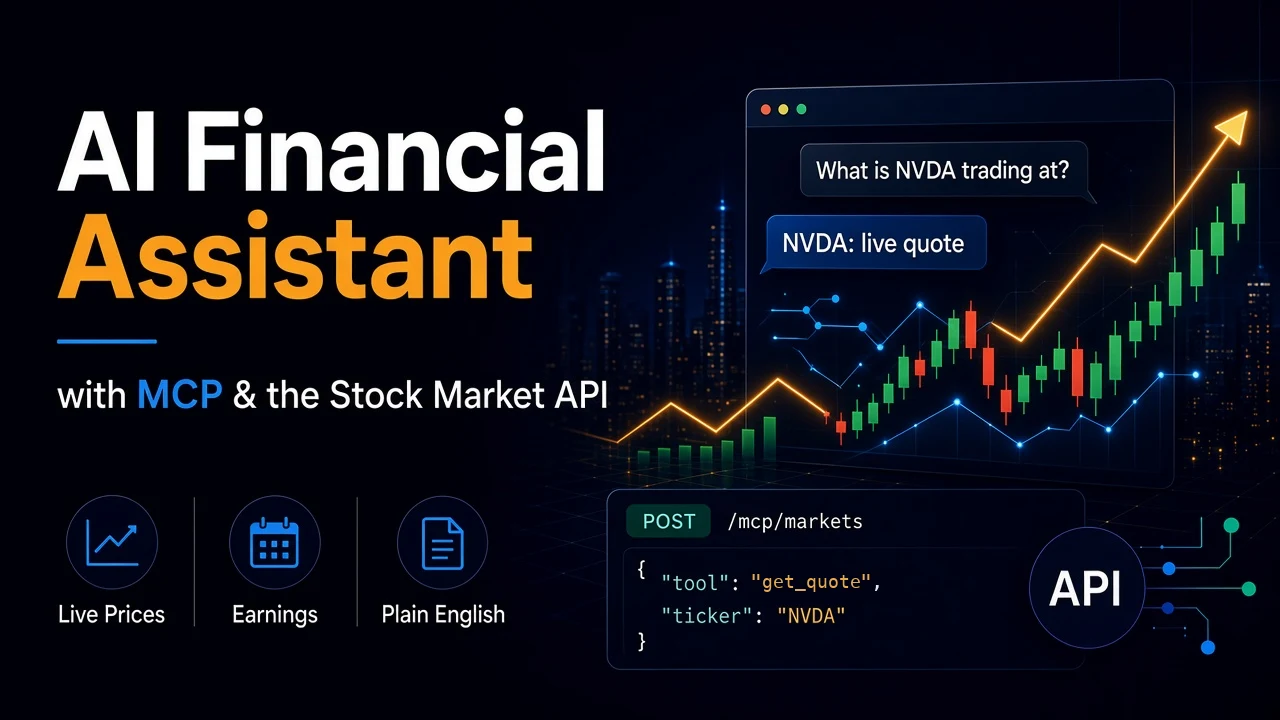
The Model Context Protocol (MCP) fixes that. It lets an assistant call tools you give it. SteadyAPI runs an MCP server, so Claude Code, Cursor, or VS Code can fetch live market data in the middle of a conversation.
This guide connects each client, shows what to ask, and sets up the guardrails that keep the answers honest and your request count under control.
What you need
- A SteadyAPI API key. Create one at your profile. The Free plan ($0, 500 requests a month, up to 20 a day) works.
- One MCP client: Claude Code, Cursor, or VS Code.
The MCP server uses the Streamable HTTP transport and your API key as a Bearer token. Web clients that only support OAuth sign-in cannot connect.
Connect your client
The server address is https://api.steadyapi.com/mcp. Use /mcp/markets instead to load only the stock market tools. That keeps the tool list short, so the assistant picks the right tool more often.
Claude Code:
claude mcp add --transport http steadyapi https://api.steadyapi.com/mcp/markets --header "Authorization: Bearer YOUR_STEADYAPI_KEY"Cursor: add this to ~/.cursor/mcp.json, or to .cursor/mcp.json inside one project:
{
  "mcpServers": {
    "steadyapi": {
      "url": "https://api.steadyapi.com/mcp/markets",
      "headers": { "Authorization": "Bearer YOUR_STEADYAPI_KEY" }
    }
  }
}
VS Code: add this to .vscode/mcp.json:
{
  "servers": {
    "steadyapi": {
      "type": "http",
      "url": "https://api.steadyapi.com/mcp/markets",
      "headers": { "Authorization": "Bearer YOUR_STEADYAPI_KEY" }
    }
  }
}
Keep the key out of any repository. Put the Cursor and VS Code files in your home folder or in .gitignore. If a key leaks, revoke it on the same profile page and create a new one.
Check the connection
In Claude Code, run claude mcp list. In Cursor, open the MCP settings and look for a green status next to steadyapi. Then ask:
> List the SteadyAPI tools you can use.
You should see the stock tools, such as search_symbols, get_quote, get_quotes, get_price_history, get_company_data, get_news, get_earnings_calendar, and get_dividends. Plans with the Options Data API also get the options tools. On other plans those tools do not appear.
What to ask
Plain questions work. The assistant chooses the tool and fills in the arguments.
- "What is NVDA trading at, and when does it report next?" This uses
get_quoteandget_earnings_calendar. - "Compare AAPL, MSFT and GOOGL today." One
get_quotescall covers all three. - "Show the last month of daily candles for TSLA and tell me the highest close." This uses
get_price_history. - "Which stocks go ex-dividend on 2026-11-20?" This uses
get_dividends. - "Find the ticker for Palantir." This uses
search_symbols, which the assistant should call whenever you give a company name instead of a symbol.
Ask for the source when you want it: "Which tool gave you that number, and what time is it from?" A good assistant can answer.
Watch the request count
Each tool call is a normal API request at the endpoint's weight. Listing tools and the protocol handshake do not count. There is no extra charge for using MCP, and it works on every plan.
The weights are the same as the REST API:
get_quote,get_price_history,get_news,get_dividends: 1 request.get_quotes,get_company_data,get_earnings_calendar,get_financials: 2 requests.
So "price and next earnings date for NVDA" costs 3. A question that triggers a quote, a company profile, and news costs 4. On the Free plan, with 20 requests a day, that is about five or six questions. Paid plans have a much larger monthly pool.
An agent can also chain calls on its own. A vague prompt like "analyze the market" can fire a dozen tools. Ask about named tickers and dates, and the call count stays predictable.
The rate limit is 10 requests per second per account, which an interactive chat will not reach.
Write a rules file
A short instruction file stops the habits that waste requests or mislead you. Save this as CLAUDE.md for Claude Code, or as a project rule in Cursor:
When you answer questions about stocks, use the SteadyAPI tools. Do not quote prices from memory.

- For two or more symbols, call get_quotes once. Do not call get_quote in a loop.
- If I give a company name, call search_symbols first.
- Ask me for tickers and dates when the request is vague. Do not scan the market.
- Say when the data is from, and which tool returned it.
- Values may be strings with commas or "N/A". Do not treat "N/A" as zero.
- If a tool returns an error or "No data returned", say so. Do not fill the gap with a guess.
- Describe data. Do not give investment advice.
The error rule matters. A failed fetch can come back as a normal response with "success": false and a message. An assistant without that instruction may paper over it.
Know the limits
- Large results are shortened. Price history returns the latest 120 bars, and lists return the first 50 items. The tool says when it did this. Ask for a narrower date or a single ticker if you need the rest.
- The data is for your own requests. Sending returned data to your AI provider while you work on your own requests is fine, and your plan's license still applies. Commercial use needs a paid plan. See the pricing page.
- The assistant reads data. It does not trade, and it has no view of your portfolio unless you paste it in.
From chat to code
The same endpoints sit behind the tools. When a prompt becomes something you run every day, move it to a script. The quotes and history guide and the earnings and dividend calendar post show the REST calls the tools make.
Conclusion
Connecting an assistant to live data takes one command or one JSON file. The part that needs care is the instruction file and the request count: name your tickers, batch your quotes, and tell the assistant to report errors.
Create a free account at steadyapi.com (no card required), add the server to your client, and ask for a quote. Then read the API documentation for every parameter behind each tool.