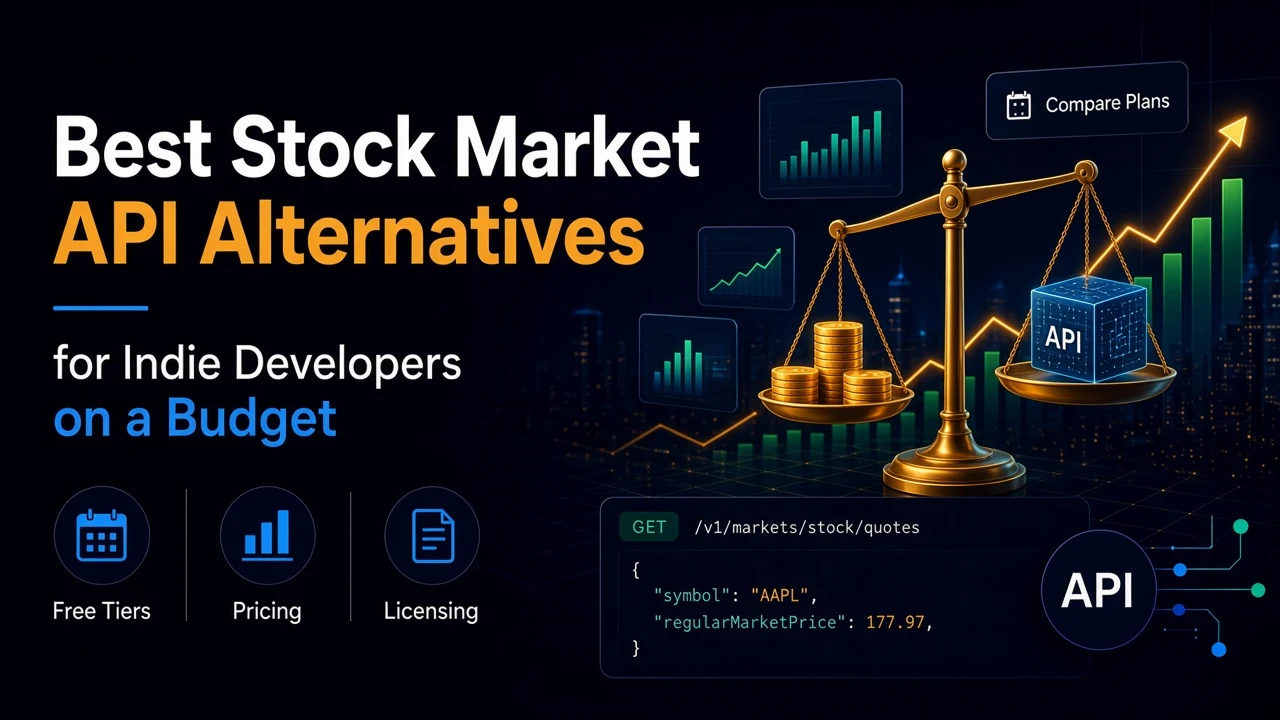
If you build a stock app on your own money, the first problem is not code. It is the price page. Free plans run out in a day. The next tier up costs more than your hosting. And somewhere in the terms is a clause about "personal use" that may rule out the thing you are building.
This guide compares a few well-known stock market APIs on the points that matter to a solo developer: what the free tier really allows, what the first paid step costs, and what the license lets you do. It also covers where SteadyAPI fits, and where it does not.
Prices and limits below were read from each vendor's own pages on November 11, 2026. They change often. Check the linked page before you commit.
What to compare
Five questions will sort most options quickly.
- How is the free tier limited? Per day, per minute, or by which symbols you may query? These feel different in practice.
- What does the first paid plan cost? The jump from free to paid is where most budgets break.
- What does the license allow? Personal, internal, or commercial use. Displaying data to your own users is a separate question.
- What is covered? Quotes only, or also history, options, calendars and indicators?
- How do you call it? REST polling, or streaming over WebSockets?
The alternatives
Alpha Vantage. The free plan allows 25 requests per day. Paid plans start at $49.99 a month for 75 requests per minute, with no daily limit. It works for low-volume batch jobs. At 25 requests a day, a live dashboard is out of reach on the free key.
Twelve Data. The Basic plan is free, with 8 requests per minute and 800 per day. It covers real-time US stocks and ETFs, forex and crypto, under an internal non-display license. The Grow plan starts at $79 a month for personal use and removes the daily limit. It also offers WebSocket streaming, with larger allowances on higher plans. Check the personal and commercial toggles on its pricing page, because they change what you can do with the data.
Financial Modeling Prep. The free Basic plan allows 250 calls per day and 5 years of history. Real-time data is not included, and several endpoints on the free plan are limited to a short symbol list (AAPL, TSLA, AMZN and 84 more). Its terms say that displaying or redistributing the data needs a separate data display and licensing agreement. Read that clause before you build a public product on it.
Each of these is a reasonable choice. They differ in shape: Alpha Vantage limits you per day, Twelve Data per minute, and FMP by symbol list and per day.
Where SteadyAPI fits
SteadyAPI is a REST API. There is no streaming, so you poll. One account and one key cover 19 APIs and more than 270 endpoints. The stock side includes quotes, history, options chains, unusual options activity, earnings, dividend, IPO and split calendars, movers and technical indicators. Crypto, Amazon, Reddit, real estate and sports data use the same key.
The plans are a monthly request count, not a per-minute rate:
- Free: $0, 500 requests a month, capped at 20 a day. It excludes the Options Data API.
- Starter: $14.99 for 10,000 requests, about $1.50 per 1,000.
- Developer: $39.99 for 50,000 requests, about $0.80 per 1,000.
- Business: $89.99 for 250,000 requests, about $0.36 per 1,000.
- Enterprise: $299.99 for 2.5 million requests, about $0.12 per 1,000.
Commercial use is allowed on paid plans, and overage billing is optional. The rate limit is 10 requests per second per account.
Be honest about the trade-offs. The free plan is the smallest one here: 20 requests a day is a test drive, not a dashboard. Some endpoints have a weight of 2, so one call counts as two requests. And if your product needs live streaming ticks, a WebSocket provider is the better tool.
SteadyAPI makes the most sense in three cases. You need several data sources under one key and one bill. You want a flat monthly request count in place of per-minute throttling. Or you want options and calendar data without a separate vendor.
Keep your switching cost low
Whatever you choose, do not scatter vendor calls through your code. Wrap them behind one small function, so a provider change is a one-file edit.
import requests

API_KEY = "YOUR_STEADYAPI_KEY"


def get_quote(symbol):
    """Return {'symbol', 'price', 'change_pct'} for one ticker."""
    r = requests.get(
        "https://api.steadyapi.com/v1/markets/stock/quotes",
        headers={"Authorization": f"Bearer {API_KEY}"},
        params={"ticker": symbol},
        timeout=20,
    )
    r.raise_for_status()
    data = r.json()
    if data.get("success") is False:
        raise RuntimeError(data.get("message", "Request failed"))
    q = data["body"][0]
    return {"symbol": q["symbol"],
            "price": q["regularMarketPrice"],
            "change_pct": q["regularMarketChangePercent"]}


print(get_quote("AAPL"))
Everything else in your app calls get_quote(), never the vendor directly. If you later add a second provider as a fallback, it implements the same three fields.
How to choose
- Prototype on a free key and write down how many calls your feature really makes per day.
- Multiply it out. Calls per refresh, times refreshes per day, times 21 trading days.
- Read the license. Personal, internal and commercial are different things, and so is displaying data to your users.
- Pick the shape that fits. A per-minute limit suits bursty tools. A monthly count suits steady jobs.
- Test your own endpoints. Run the three or four calls you need against each candidate before you pay.
Bonus: try it from your editor
You can connect Claude Code, Cursor, VS Code, or any MCP client to https://api.steadyapi.com/mcp with your API key, and ask for a quote or an earnings date in plain English. It is a quick way to judge the data before you write any code.
Conclusion
The cheapest stock API is the one whose limits and license fit what you are building. Compare how each free tier is limited, what the first paid step costs, and what you may do with the data.
Create a free account at steadyapi.com (no card required) and test the endpoints you need. Then read the API documentation for every parameter and ready-made examples in cURL, JavaScript, PHP, and Python.