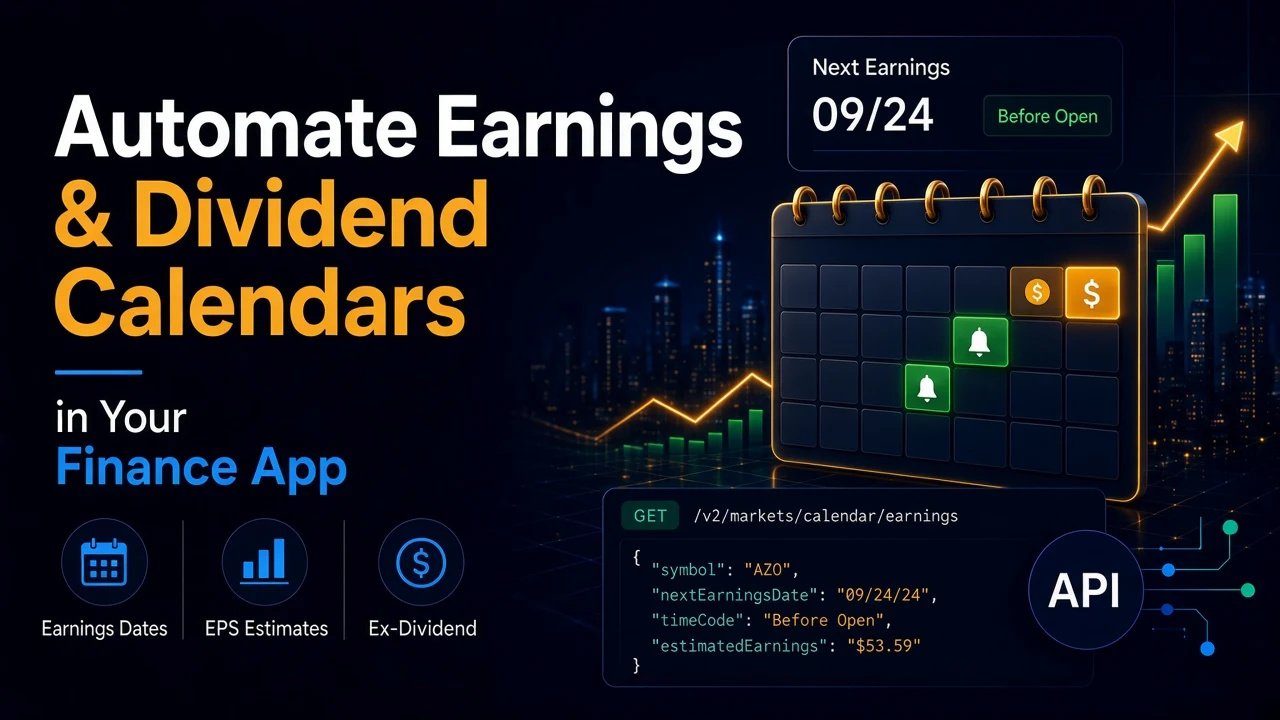
Your users want to know three things before the market opens. Who reports earnings this week? What is the EPS estimate? Which stocks go ex-dividend soon?
Most finance apps answer this with a hand-edited list or a scraper pointed at a calendar page. Both go stale. The list needs a person. The scraper breaks when the page changes, and nobody notices until a customer misses an earnings date.
SteadyAPI has a calendar endpoint for each. In this guide you will pull both calendars, page through the results, filter them to a watchlist, and build a morning alert script you can run from cron.
Two existing posts cover each endpoint on its own: earnings events and dividends, splits and offerings. This one wires them together into a working alert job.
Prerequisites
- A SteadyAPI account and API key from steadyapi.com. The Free plan ($0, no credit card) covers both calendar endpoints.
- Python 3.8+ with
requests. - A scheduler such as cron, for the last step.
The two endpoints
Earnings: GET https://api.steadyapi.com/v2/markets/calendar/earnings (weight 2)
days: upcoming reports within 1 to 30 days. The default is 30.start_dateandend_date: a date range inYYYY-MM-DDformat. Use both together.ticker: that company's next earnings record only.price_min: filter by price. A positive number keeps stocks above it. A negative number keeps stocks below its absolute value.optionable:trueis the default and returns only stocks with listed options.falsereturns only stocks without them.page: results come 50 per page.
Dividends: GET https://api.steadyapi.com/v2/markets/calendar/dividends (weight 1)
date: one calendar date inYYYY-MM-DDformat. The default is the next trading day.page: results come 20 per page.- It lists stocks with listed options that have a dividend event on that date.
Both responses have a meta object with count, total and page, and a body list. Copy exact requests from the docs for earnings and dividends.
Step 1: A client that handles pages
import requests

API_KEY = "YOUR_STEADYAPI_KEY"
BASE = "https://api.steadyapi.com"
HEADERS = {"Authorization": f"Bearer {API_KEY}"}


def get(path, **params):
    r = requests.get(f"{BASE}{path}", headers=HEADERS, params=params, timeout=30)
    r.raise_for_status()
    data = r.json()
    if data.get("success") is False:
        raise RuntimeError(data.get("message", "Request failed"))
    return data


def paged(path, **params):
    rows, page = [], 1
    while True:
        data = get(path, page=page, **params)
        batch = data.get("body") or []
        rows += batch
        total = int(data["meta"].get("total") or 0)
        if not batch or len(rows) >= total:
            return rows
        page += 1
Step 2: Upcoming earnings
earnings = paged("/v2/markets/calendar/earnings", days=7)

for e in earnings[:5]:
    print(e["symbol"], e["nextEarningsDate"], e["timeCode"], e["estimatedEarnings"])
A trimmed row, with values from the docs sample:
{
  "symbol": "AZO",
  "symbolName": "Autozone",
  "nextEarningsDate": "09/24/24",
  "timeCode": "Before Open",
  "estimatedEarnings": "$53.59",
  "lastReportedEarnings": "N/A",
  "lastEarningsSurprisePercent": "N/A",
  "lastPrice": "3,042.74",
  "hasOptions": "Yes"
}
Dates are MM/DD/YY strings. Money and prices are strings too, with $ and commas. Missing values are "N/A".
Step 3: Dividends by date
The dividend calendar takes one date. Loop over the days you care about. A date with no events can return a "No data returned" message, so treat that as an empty day, not a failure.
from datetime import date, timedelta

dividends = []
for i in range(1, 8):
    day = (date.today() + timedelta(days=i)).isoformat()
    try:
        dividends += paged("/v2/markets/calendar/dividends", date=day)
    except RuntimeError:
        continue  # no events that day

for d in dividends[:5]:
    print(d["symbol"], d["exDivDate"], d["amount"], d["yield"], d["payableDate"])
A trimmed row:
{
  "symbol": "ALCO",
  "symbolName": "Alico Inc",
  "lastPrice": "27.99",
  "amount": "$0.050",
  "yield": "0.78%",
  "exDivDate": "09/27/24",
  "payableDate": "10/11/24"
}
Step 4: Alert on your watchlist
Filter both lists to the symbols your users hold, then send one message.
WATCHLIST = {"AAPL", "MSFT", "KO", "JNJ"}

lines = []
for e in earnings:
    if e["symbol"] in WATCHLIST:
        lines.append(f'EARNINGS {e["symbol"]} {e["nextEarningsDate"]} '
                     f'{e["timeCode"]}, est. EPS {e["estimatedEarnings"]}')
for d in dividends:
    if d["symbol"] in WATCHLIST:
        lines.append(f'EX-DIV {d["symbol"]} {d["exDivDate"]}, '
                     f'{d["amount"]} ({d["yield"]}), pays {d["payableDate"]}')

message = "\n".join(lines) or "Nothing on your watchlist this week."
print(message)  # swap for an email, Slack or push call
Run it every weekday morning with cron:
0 7 * * 1-5 /usr/bin/python3 /path/to/calendar_alerts.pyBest practices
- Know what the calendars include. The dividend calendar only lists stocks with listed options. The earnings calendar does the same by default. If your watchlist has smaller names, run the earnings call a second time with
optionable=false. Results are split, not merged. For a short watchlist,tickerreturns one company's next report directly. - Treat "No data returned" as an empty day. The client raises on
success: false. Catch it for date loops, and fail loudly for everything else. An empty day still comes back as HTTP 200, and only 200 responses count toward your quota, so it costs a request. - Count the cost. Earnings has a weight of 2 per page. Dividends has a weight of 1 per page and one call per date. On the Free plan (500 requests a month, 20 a day), spread the dividend loop across days or cache it.
- Cache and de-duplicate. Calendars change slowly. Store each day's pull, and keep a record of alerts you already sent so a rerun does not message users twice.
- Parse once. Convert
MM/DD/YYdates and$amounts in one place. Do not compare them as strings. - Stay under the rate limit. The standard limit is 10 requests per second per account.
Bonus: ask it in plain English
You can connect Claude Code, Cursor, VS Code, or any MCP client to https://api.steadyapi.com/mcp with your API key. Then ask "which of my watchlist stocks report earnings next week?" in chat before you build anything.
Conclusion
You pulled the earnings and dividend calendars, paged through the results, filtered them to a watchlist, and scheduled a morning alert.
Create a free account at steadyapi.com (no card required) and copy your API key. Then browse the API documentation for every parameter and ready-made examples in cURL, JavaScript, PHP, and Python.