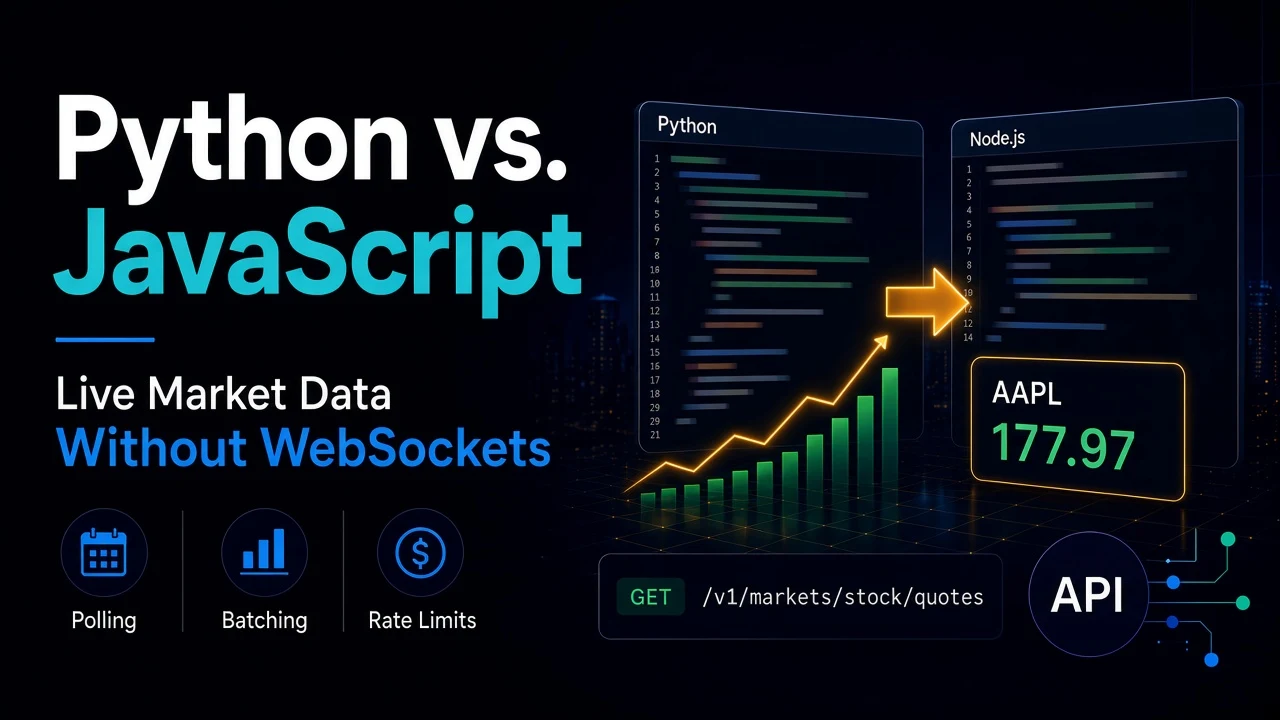
Most "live" market dashboards do not need a WebSocket. A price that refreshes every 30 seconds looks live to a person, and polling a REST endpoint is simpler to build, test and debug. There is no connection to keep alive, no reconnect logic, and no message ordering to worry about.
The real questions are how often to poll, how much it costs, and which language to write it in. This post answers all three. You will build the same poller twice, once in Python and once in Node.js, against SteadyAPI's stock quotes endpoint. Then you will see where the two actually differ.
If you have not used the endpoint before, start with How to Pull Real-Time Stock Quotes and Historical Price Data with Python.
Prerequisites
- A SteadyAPI account and API key from steadyapi.com.
- Python 3.8+ with
requests, or Node.js 18+ (it hasfetchbuilt in). - A list of tickers to watch.
The endpoint
GET https://api.steadyapi.com/v1/markets/stock/quotes?ticker=AAPL,MSFT,TSLAOne call returns the latest quote for up to 200 symbols. It has a weight of 2, so each call counts as 2 requests against your quota. Copy the exact request for your language from the endpoint docs.
Every item in body includes these fields, among many others:
{
  "symbol": "AAPL",
  "shortName": "Apple Inc.",
  "regularMarketPrice": 177.97,
  "regularMarketChangePercent": -0.1234644,
  "regularMarketTime": 1691697602,
  "marketState": "REGULAR"
}
Prices here are real numbers, not strings. regularMarketTime is a Unix timestamp. Pre-market and post-market fields are always present and are null when there is no extended-hours data.
The design that matters more than the language
Two choices decide whether your poller is cheap or wasteful.
Batch every symbol into one call. Polling 50 tickers one at a time costs 50 calls per cycle. One batched call costs 1. This is the single biggest saving.
Match the interval to your plan. Each call counts 2. Assume about 21 trading days a month and a 6.5-hour session. These are estimates, so adjust for your own schedule.
- Free plan (500 requests a month, capped at 20 a day): 10 quote calls a day. Use it to test, not to poll.
- Starter (10,000 requests): one call every 2 minutes is about 195 calls a day, or roughly 8,200 requests a month.
- Developer (50,000 requests): one call every 30 seconds is about 780 calls a day, or roughly 32,800 requests a month.
- Business (250,000 requests): one call every 10 seconds fits, at about 2,340 calls a day and 98,000 requests a month.
Only HTTP 200 responses count toward your quota. A bad ticker list can also return 200 with an error message, and that counts too. Your rate limit is 10 requests per second per account, which a single poller will never reach.
Python version
import time
import requests

API_KEY = "YOUR_STEADYAPI_KEY"
URL = "https://api.steadyapi.com/v1/markets/stock/quotes"
HEADERS = {"Authorization": f"Bearer {API_KEY}"}
TICKERS = ["AAPL", "MSFT", "TSLA", "NVDA"]
INTERVAL = 30  # seconds


def fetch_quotes():
    r = requests.get(URL, headers=HEADERS, params={"ticker": ",".join(TICKERS)}, timeout=20)
    r.raise_for_status()
    data = r.json()
    if data.get("success") is False:
        raise RuntimeError(data.get("message", "Request failed"))
    return {q["symbol"]: q for q in data["body"]}


delay = INTERVAL
while True:
    try:
        quotes = fetch_quotes()
        for sym, q in quotes.items():
            print(f'{sym}: {q["regularMarketPrice"]} ({q["regularMarketChangePercent"]:+.2f}%)')
        market_open = any(q.get("marketState") == "REGULAR" for q in quotes.values())
        delay = INTERVAL if market_open else INTERVAL * 10
    except Exception as e:
        print("poll failed:", e)
        delay = min(delay * 2, 600)  # back off after a failure
    time.sleep(delay)
This is a blocking loop. It is the easiest version to read, and it is enough for a script, a cron job or a small worker.
Node.js version
const API_KEY = "YOUR_STEADYAPI_KEY";
const ENDPOINT = "https://api.steadyapi.com/v1/markets/stock/quotes";
const TICKERS = ["AAPL", "MSFT", "TSLA", "NVDA"];
const INTERVAL = 30_000; // ms

async function fetchQuotes() {
  const res = await fetch(`${ENDPOINT}?ticker=${TICKERS.join(",")}`, {
    headers: { Authorization: `Bearer ${API_KEY}` },
    signal: AbortSignal.timeout(20_000),
  });
  if (!res.ok) throw new Error(`HTTP ${res.status}`);
  const data = await res.json();
  if (data.success === false) throw new Error(data.message ?? "Request failed");
  return Object.fromEntries(data.body.map((q) => [q.symbol, q]));
}

let delay = INTERVAL;

async function poll() {
  try {
    const quotes = await fetchQuotes();
    for (const [sym, q] of Object.entries(quotes)) {
      console.log(`${sym}: ${q.regularMarketPrice} (${q.regularMarketChangePercent.toFixed(2)}%)`);
    }
    const open = Object.values(quotes).some((q) => q.marketState === "REGULAR");
    delay = open ? INTERVAL : INTERVAL * 10;
  } catch (err) {
    console.error("poll failed:", err.message);
    delay = Math.min(delay * 2, 600_000);
  }
  setTimeout(poll, delay);
}

poll();
The logic is identical. One detail is specific to JavaScript. The loop schedules the next run with setTimeout after the current request finishes. Do not use setInterval here, because a slow response would let two requests overlap.
Where the two actually differ
- Scheduling model. Python blocks on
time.sleep. Node schedules a callback. Both work for one poller. Node pulls ahead when one process also serves a web app or fans updates out to browsers, since it does that without extra threads. - Dependencies. Node 18+ needs none. Python needs
requests, which most projects already have. - Data work. Python with pandas is the faster path to computing moving averages, ranking movers, or writing to a database table. Node is the faster path to pushing the result to a browser.
- Where you deploy. For low-frequency checks, skip the long-running process. A cron job or a serverless function on a schedule is cheaper than a process that sleeps all day, and either language fits.
A simple rule: pick the language your team already runs in production. The API call is the same, and the interval and batching matter far more than the language.
Best practices
- Poll only what you display. Request the symbols on screen, not your whole universe.
- Slow down off-hours. Both scripts read
marketStateand stretch the interval when no symbol is in the regular session. - Back off on failure. Double the delay after an error and cap it. Do not retry in a tight loop.
- Check the body, not just the status. A bad ticker list can return HTTP 200 with
successset tofalse. - Cache for your own users. If 500 visitors watch the same tickers, poll once on your server and serve the cached result. Never call the API from each browser, because your key would be exposed.
- Pick one limit and respect it. If you need faster than your plan allows, upgrade the plan before shortening the interval.
Bonus: ask it in plain English
You can connect Claude Code, Cursor, VS Code, or any MCP client to https://api.steadyapi.com/mcp with your API key. Then ask "what are AAPL and TSLA trading at right now?" in chat for a quick check before you write any code.
Conclusion
You built the same quote poller in Python and Node.js, batched all symbols into one call, and matched the polling interval to a plan's request budget. WebSockets can wait until you really need sub-second updates.
Create a free account at steadyapi.com (no card required) and copy your API key. Then browse the API documentation for every parameter and ready-made examples in cURL, JavaScript, PHP, and Python.