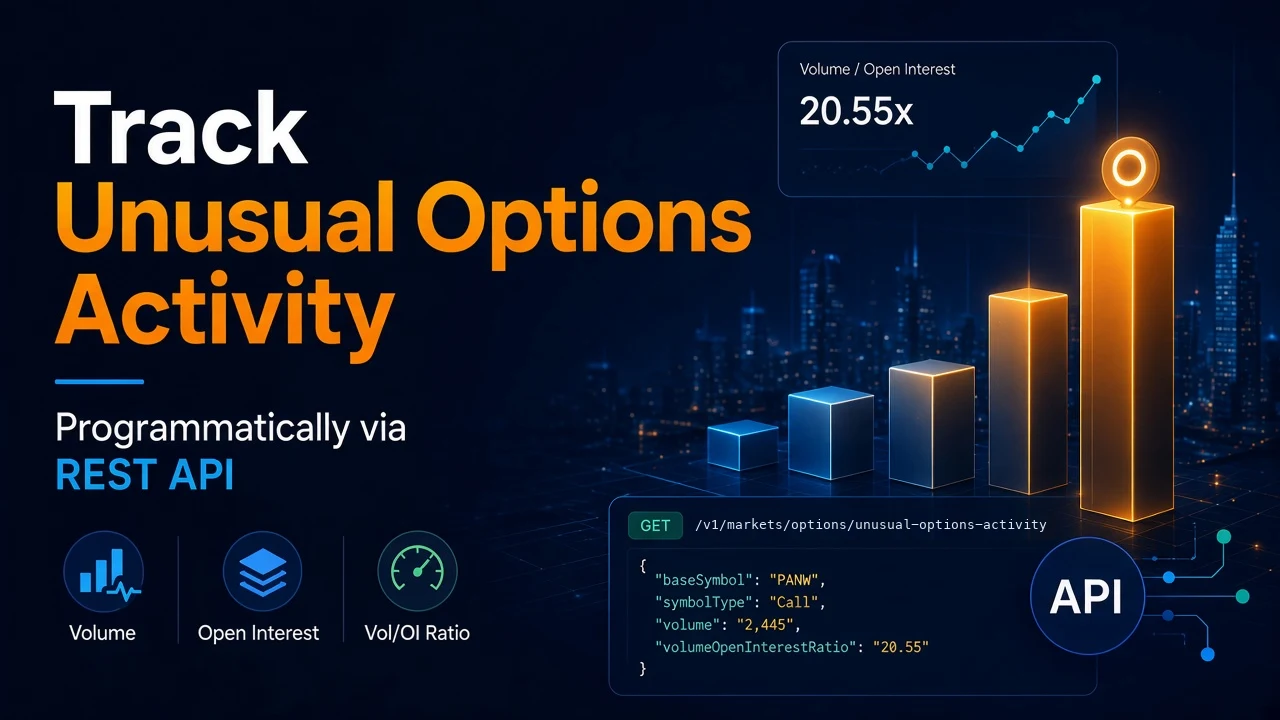
Options traders watch one number more than most: volume compared to open interest. When a contract trades several times its open interest in a day, someone is opening a lot of new positions. That is worth a look.
Most screeners show this in a browser tab. You cannot pipe a browser tab into a script, a Slack channel, or a database. Scraping the screeners is fragile. The markup changes, the requests get blocked, and your alerts go quiet without telling you.
SteadyAPI gives you the same list as one JSON endpoint. In this guide you will pull the list, turn its string values into numbers, rank it, and run a small poller that only prints contracts it has not seen before.
Prerequisites
- A SteadyAPI account and API key. Sign up at steadyapi.com. The Free plan needs no credit card, but it excludes the Options Data API. You need a paid plan (Starter and up) for the calls below.
- Python 3.8+ and the
requestslibrary. - Basic REST knowledge.
The endpoint
GET https://api.steadyapi.com/v1/markets/options/unusual-options-activityIt returns option contracts trading at unusually high volume relative to open interest, sorted by volume/open-interest ratio, 20 per page. Results cover weekly and monthly calls and puts that expire within 30 days.
Without a date, a contract must also meet all of these:
- Volume/open-interest ratio of at least 1.24
- Volume of at least 500
- Open interest of at least 100
- Last price of at least $0.10
Query parameters:
type—STOCKS,ETFS, orINDICES, in uppercase. Defaults toSTOCKS.ticker— Limit results to one underlying.symbolalso works.date— A past date inYYYY-MM-DDformat. Returns the list recorded that day.price_min— Underlying price filter. A positive number keeps underlyings above it. A negative number keeps those below its absolute value.page— Page number, starting at 1.
The endpoint has a weight of 2. This guide goes further than the short walkthrough of this endpoint. It adds number parsing, premium ranking and a poller. Copy the exact request for your language from the endpoint docs.
Step 1: Make your first request
Send your key as a bearer token:
curl --get "https://api.steadyapi.com/v1/markets/options/unusual-options-activity" \
  --data-urlencode "type=STOCKS" \
  --data-urlencode "page=1" \
  --header "Authorization: Bearer YOUR_STEADYAPI_KEY"
The response has a meta object and a body array. A trimmed version:
{
  "meta": { "status": 200, "count": 20, "total": 1736, "page": "1" },
  "body": [
    {
      "symbol": "PANW|20240223|310.00C",
      "baseSymbol": "PANW",
      "baseLastPrice": "261.97",
      "symbolType": "Call",
      "strikePrice": "310.00",
      "expirationDate": "02/23/24",
      "daysToExpiration": "1",
      "lastPrice": "0.14",
      "volume": "2,445",
      "openInterest": "119",
      "volumeOpenInterestRatio": "20.55",
      "volatility": "151.81%",
      "delta": "0.01892",
      "tradeTime": "02/21/24"
    }
  ]
}
Two things to notice. Every value is a string. And numbers carry formatting: "2,445" has a comma and "151.81%" has a percent sign. If you compare them as text, "900" sorts above "2,445". Convert first.
Step 2: Parse the numbers
import requests

API_KEY = "YOUR_STEADYAPI_KEY"
URL = "https://api.steadyapi.com/v1/markets/options/unusual-options-activity"
HEADERS = {"Authorization": f"Bearer {API_KEY}"}


def num(value):
    """'2,445' -> 2445.0, '151.81%' -> 151.81, 'N/A' -> None."""
    try:
        return float(str(value).replace(",", "").replace("%", ""))
    except ValueError:
        return None


def fetch_page(page=1, **params):
    params.update({"type": "STOCKS", "page": page})
    r = requests.get(URL, headers=HEADERS, params=params, timeout=30)
    r.raise_for_status()
    return r.json()


def clean(row):
    return {
        "contract": row["symbol"],
        "ticker": row["baseSymbol"],
        "side": row["symbolType"],
        "strike": num(row["strikePrice"]),
        "expires": row["expirationDate"],
        "dte": num(row["daysToExpiration"]),
        "last": num(row["lastPrice"]),
        "volume": num(row["volume"]),
        "oi": num(row["openInterest"]),
        "ratio": num(row["volumeOpenInterestRatio"]),
        "iv": num(row["volatility"]),
    }
Step 3: Rank by estimated premium
A ratio of 20 on a $0.14 contract is a lottery ticket. The same ratio on a $12 contract is real money. The response has no premium field, so estimate it: last price × volume × 100 shares per contract. Treat it as a rough size filter, not an exact figure.
def top_by_premium(pages=3, min_premium=100_000, **params):
    rows = []
    for page in range(1, pages + 1):
        data = fetch_page(page, **params)
        batch = data.get("body") or []
        if not batch:
            break
        for raw in batch:
            row = clean(raw)
            if None in (row["last"], row["volume"]):
                continue
            row["est_premium"] = row["last"] * row["volume"] * 100
            if row["est_premium"] >= min_premium:
                rows.append(row)
    return sorted(rows, key=lambda r: r["est_premium"], reverse=True)


for r in top_by_premium()[:10]:
    print(f'{r["contract"]:<24} vol/OI {r["ratio"]:>6}  ~${r["est_premium"]:,.0f}')
To check a single name, pass ticker="AAPL". To replay a past session, pass date="2025-01-15".
Step 4: Poll for new contracts only
Alerts are only useful if they do not repeat. Keep a set of contracts you have already reported and print only new ones.
import time

seen = set()

while True:
    try:
        for r in top_by_premium(pages=2):
            if r["contract"] in seen:
                continue
            seen.add(r["contract"])
            print(f'NEW {r["contract"]}  ratio {r["ratio"]}  ~${r["est_premium"]:,.0f}')
    except requests.HTTPError as e:
        print("HTTP error:", e.response.status_code)
    time.sleep(300)  # every 5 minutes
Swap the print for a Slack or Discord webhook call when you are ready to ship it.
Best practices
- Budget your calls. The endpoint has a weight of 2, and each page costs a call. Two pages every five minutes is plenty for an alert loop.
- Stay under the rate limit. The standard limit is 10 requests per second per account. Loop pages sequentially. Do not fan out.
- Check the status code. Only 200 responses count toward your quota. Handle 401 (bad key), 403 (plan does not include options), and 429 (slow down) explicitly. Do not retry in a tight loop.
- Use the
tickerfilter for watchlists. One call per symbol is cheaper than paging through the full market list and filtering locally. - Remember what this list is not. Volume over open interest tells you something unusual happened. It does not tell you the direction. To see trade side and premium, pair it with the options flow endpoint.
Bonus: ask it in plain English
If you use Claude Code, Cursor, VS Code, or any MCP client, you can connect it to https://api.steadyapi.com/mcp with your API key. Then ask for "calls on NVDA with volume over open interest above 3" without writing the script first.
Conclusion
You pulled the unusual options list as JSON, converted its string fields into numbers, ranked contracts by estimated premium, and built a poller that reports each contract once.
Create a free account at steadyapi.com (no card required), then upgrade to a paid plan to use the options endpoints. The API documentation lists every parameter and has copy-ready examples in cURL, JavaScript, PHP, and Python.